Open-source ERP for small businesses
Finance, sales, purchasing, inventory, projects and fixed assets in one system.
View on GitHub Consulting and support
Live demo: Try the demo
Built for how small teams work
- Keyboard-driven. Every task can be done from the keyboard, with no mouse needed.
- Multi-company. Run several companies side by side in one installation.
- Printed reports. Clean, print-ready reports for the books, customers and auditors.
- Posting with balance checks. Entries only post when debits and credits balance.
- Open source (MIT). Read the code, change it, self-host it.
- PostgreSQL or SQLite. Start small on SQLite, scale up on PostgreSQL.
Why GoEasyERP
Your data stays yours
Your data is stored in your own PostgreSQL or SQLite database, on a server you choose: your own hardware, or any cloud provider that offers container hosting, such as Azure, AWS or Google Cloud. The code is open under the MIT licence, so no vendor can lock the data away, raise the price for access to it, or end support for the system you depend on. A hosted service is planned for businesses that prefer not to run their own server.
Built for the customer's benefit, not the vendor's
GoEasyERP has no licence fees, per-user charges or paid add-ons. The software is free. We earn our living from consulting hours: setting the system up, adapting it to your business and supporting you when you need help. You pay for the work you ask for, not for the right to use your own system.
The functions you need, without paying for the rest
Most small businesses use a small part of what large ERP systems offer, yet they pay for all of it. GoEasyERP covers the accounting, sales, purchasing, inventory, projects and fixed assets a small business uses every day, and nothing it has to pay for and never opens.
No hype, just bookkeeping that works
GoEasyERP is not built around trends or marketing promises. It is built on a way of working that accountants have relied on for decades: master data, journals, posting and ledgers that always balance.
Fast on any hardware
Speed is the first thing we design for. GoEasyERP is a single compiled program that runs on Linux on almost any computer, from an old office PC to a small ARM board, and every screen and posting responds immediately. It ships as ready-made container images that run with Docker on a single server or on Kubernetes when you need to scale.
What GoEasyERP covers
- General Ledger. Chart of accounts, general and recurring journals, budgets, financial statements, bank reconciliation, VAT settlement, multiple currencies, dimensions and year-end close.
- Sales. Customers, quotes, blanket orders, orders, invoices and credit memos with posting preview, reminders, finance charges and aged receivables.
- Purchases. Vendors, quotes, blanket orders, orders, invoices and credit memos, payment journals, requisition worksheets and aged payables.
- Items & Inventory. Items, locations and bins, item and transfer journals, physical inventory, bills of materials, price groups, discounts and inventory valuation.
- Resources. Resources and resource groups, capacity, work types, costs and prices, resource journals.
- Projects. Projects with phases, tasks and steps, budgets, project journals, and actual-to-budget and billing reports.
- Assets & Depreciation. Fixed assets, depreciation books and tables, fixed asset journals, insurance and maintenance.
- Administration. Multiple companies, users, roles and permissions, job queue, email setup, languages, themes and extension apps.
Every posting is checked
A journal posts only when its debits and credits balance. If they do not, nothing is posted and the lines that cause the difference are shown. The check is built into the posting logic itself: if a transaction would leave the ledger entries out of balance, it is refused and rolled back, so a partial posting can never be saved.
| Account | Debit | Credit |
|---|---|---|
| 1010 Bank | 1,250.00 | |
| 3000 Sales | 1,000.00 | |
| 2700 Output VAT | 250.00 | |
| Balance | 0.00 | ✓ Posted |
See it in use
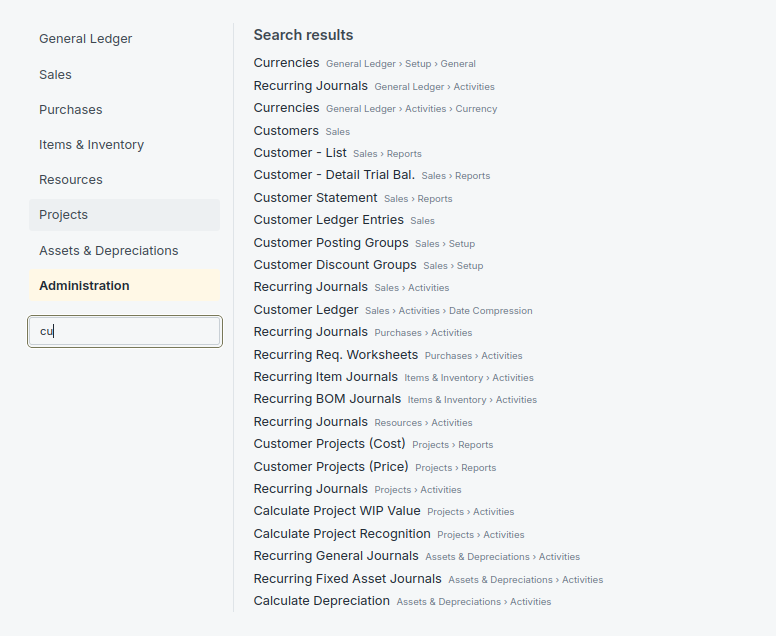
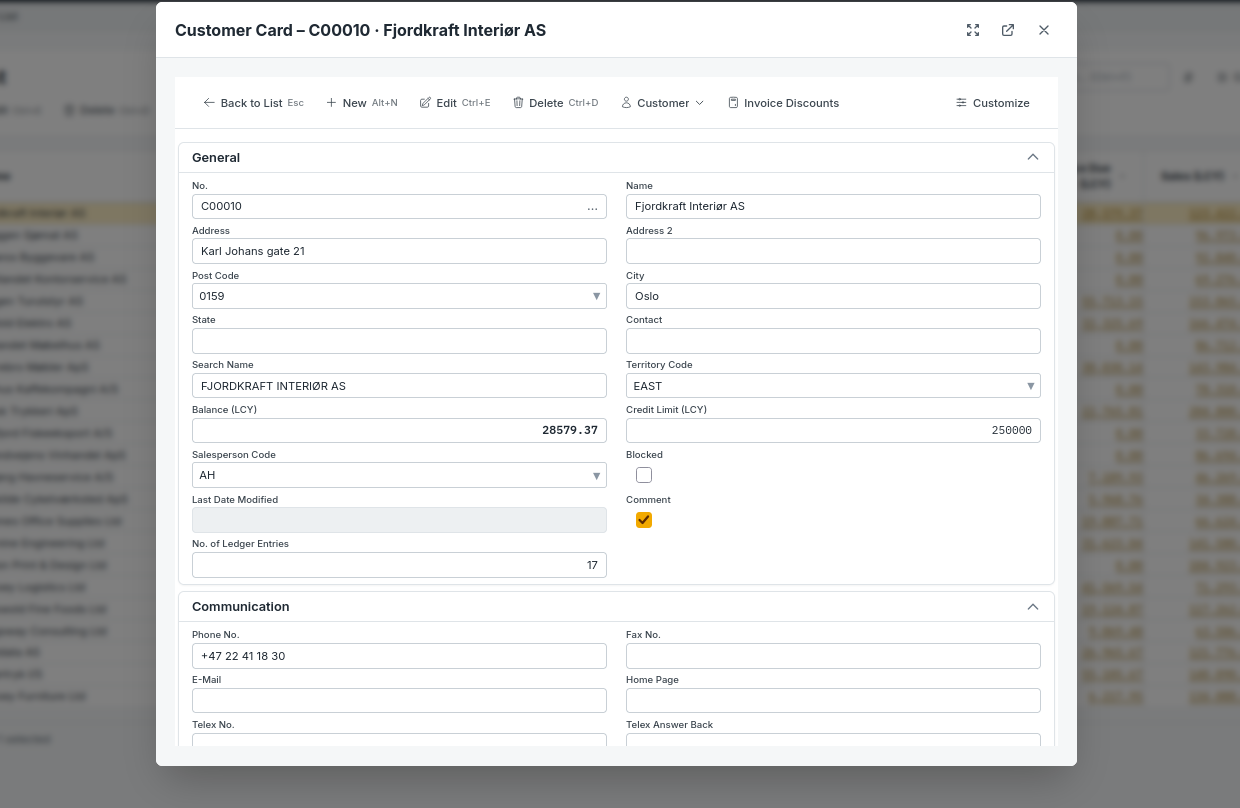
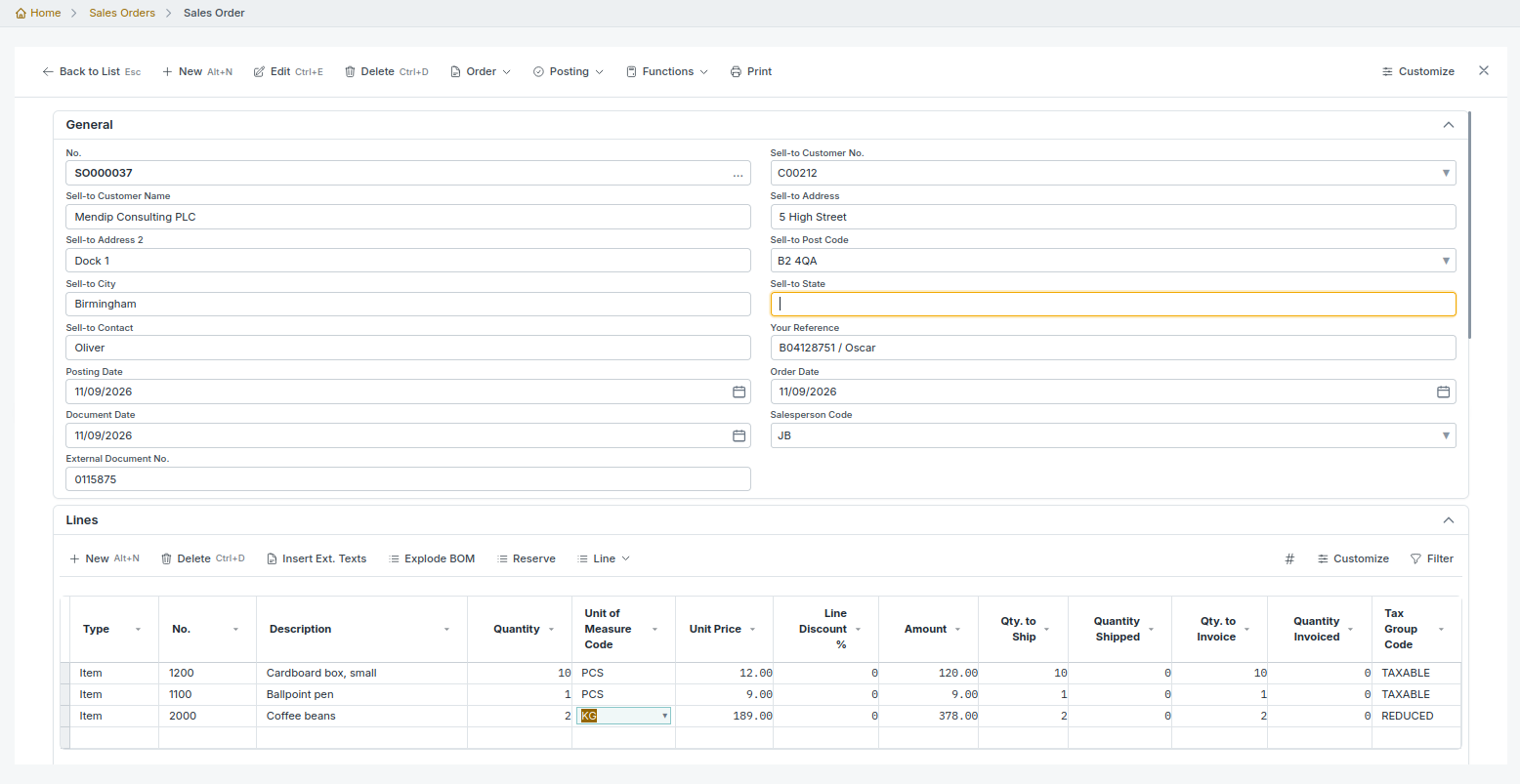
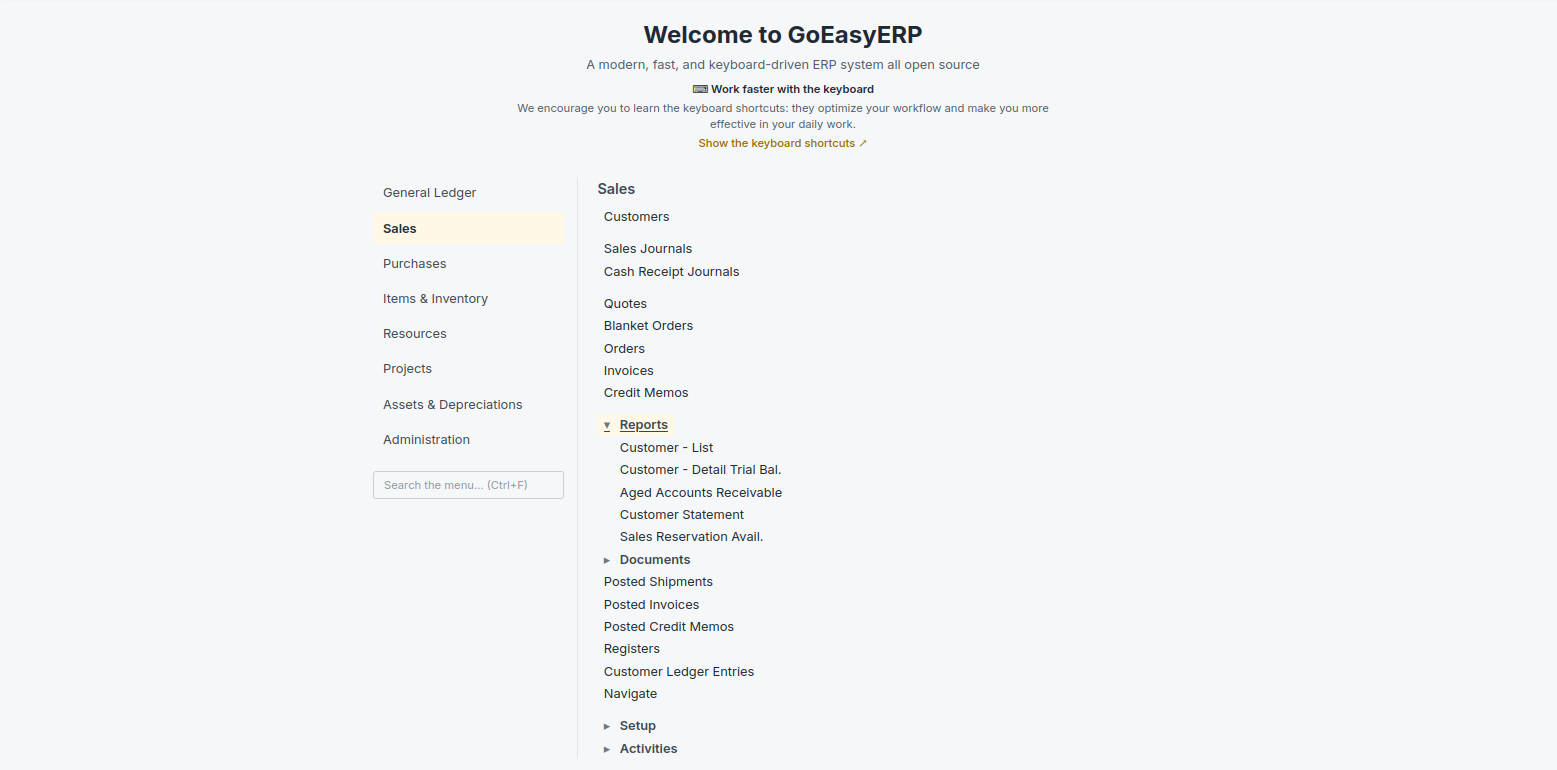
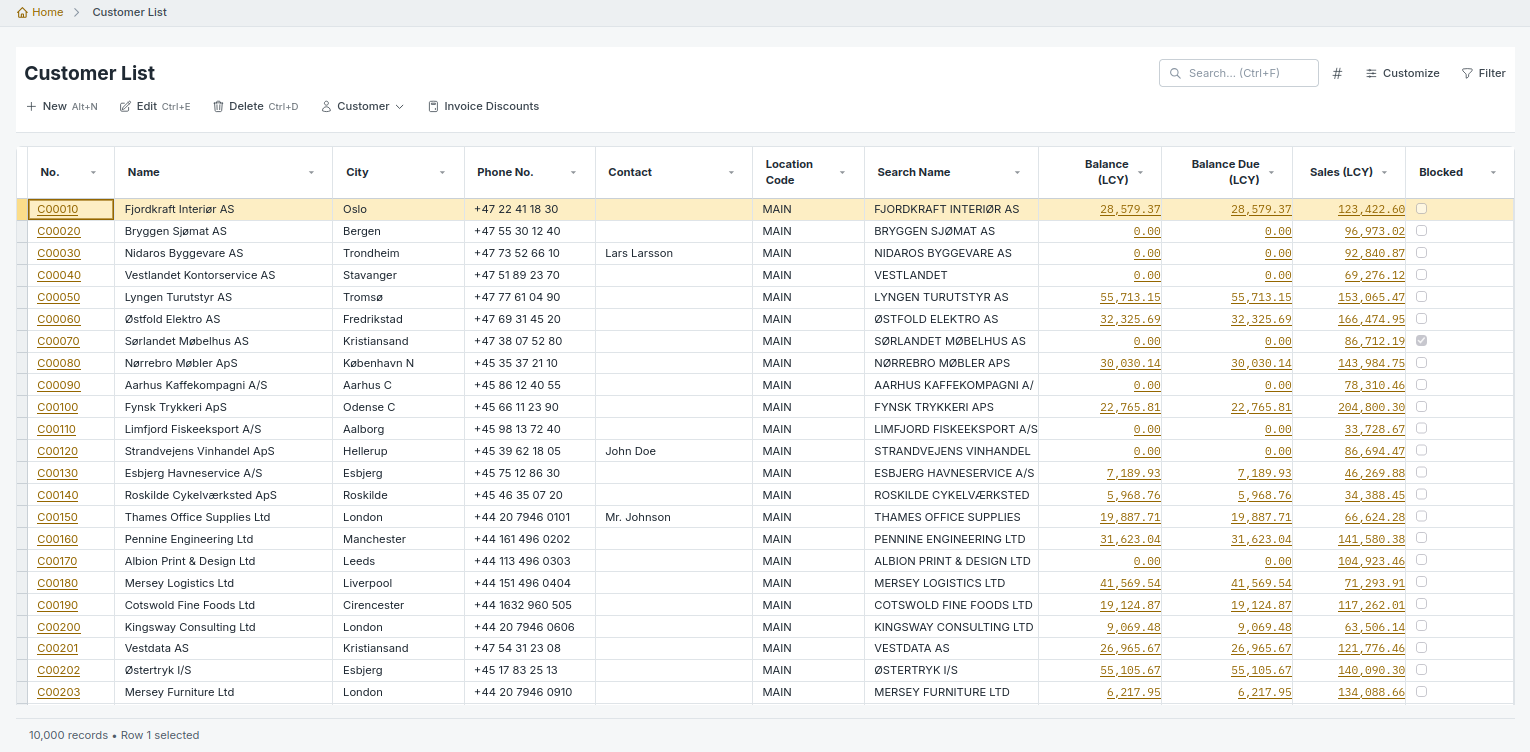
Browse screenshots of the menu, the customer list and card, and a sales order. Select the picture to open the slideshow.