
← Blog

Change the theme and background in GoEasyERP

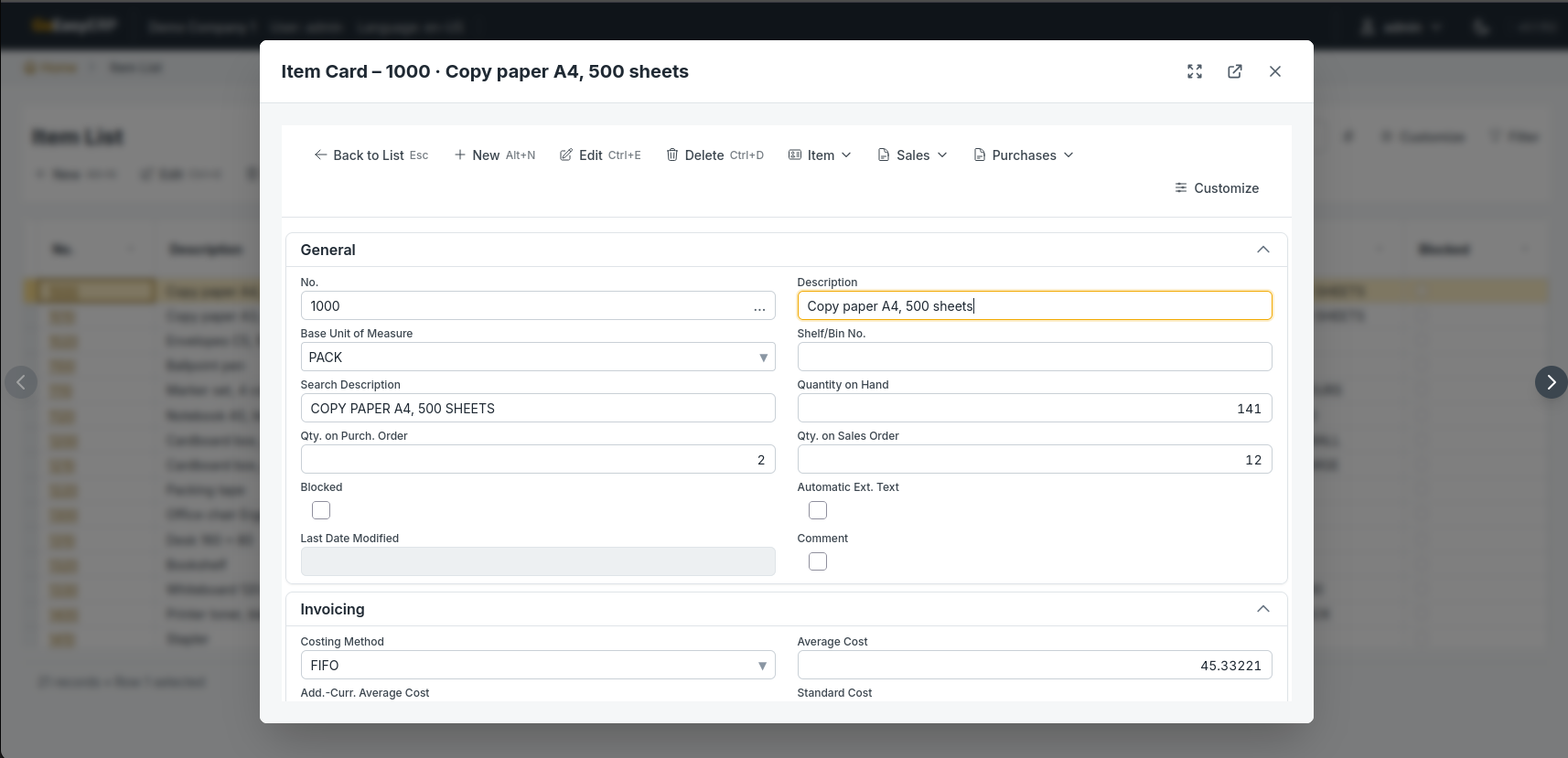
GoEasyERP comes with a dark and a light theme, so you can work in the look that suits you and your screen.
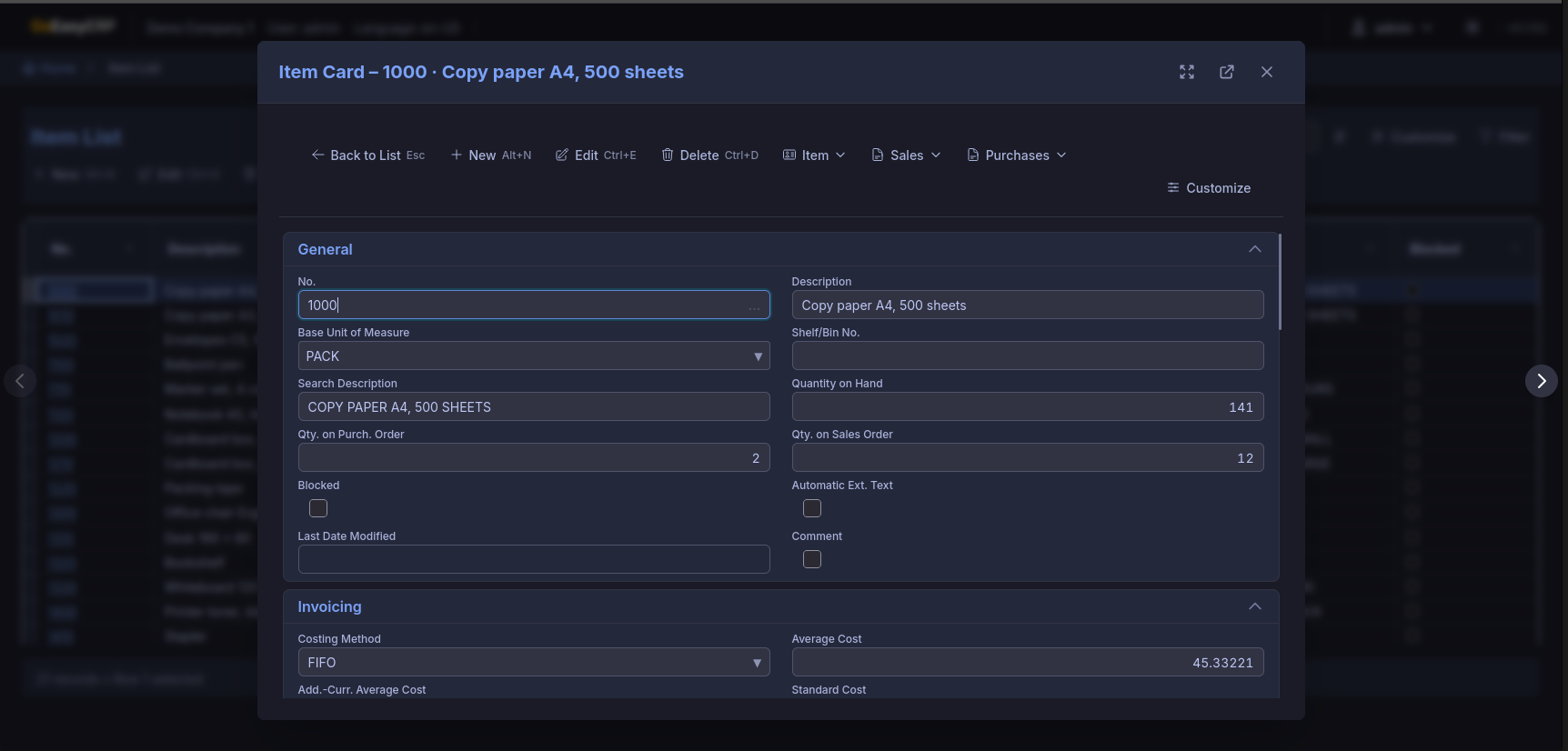
The Item Card in the dark theme
The Item Card in the dark theme. Click to open full size.
The Item Card in the light theme
The same Item Card in the light theme. Click to open full size.

You can also change the background of the main menu. Here the menu is shown with a background image.
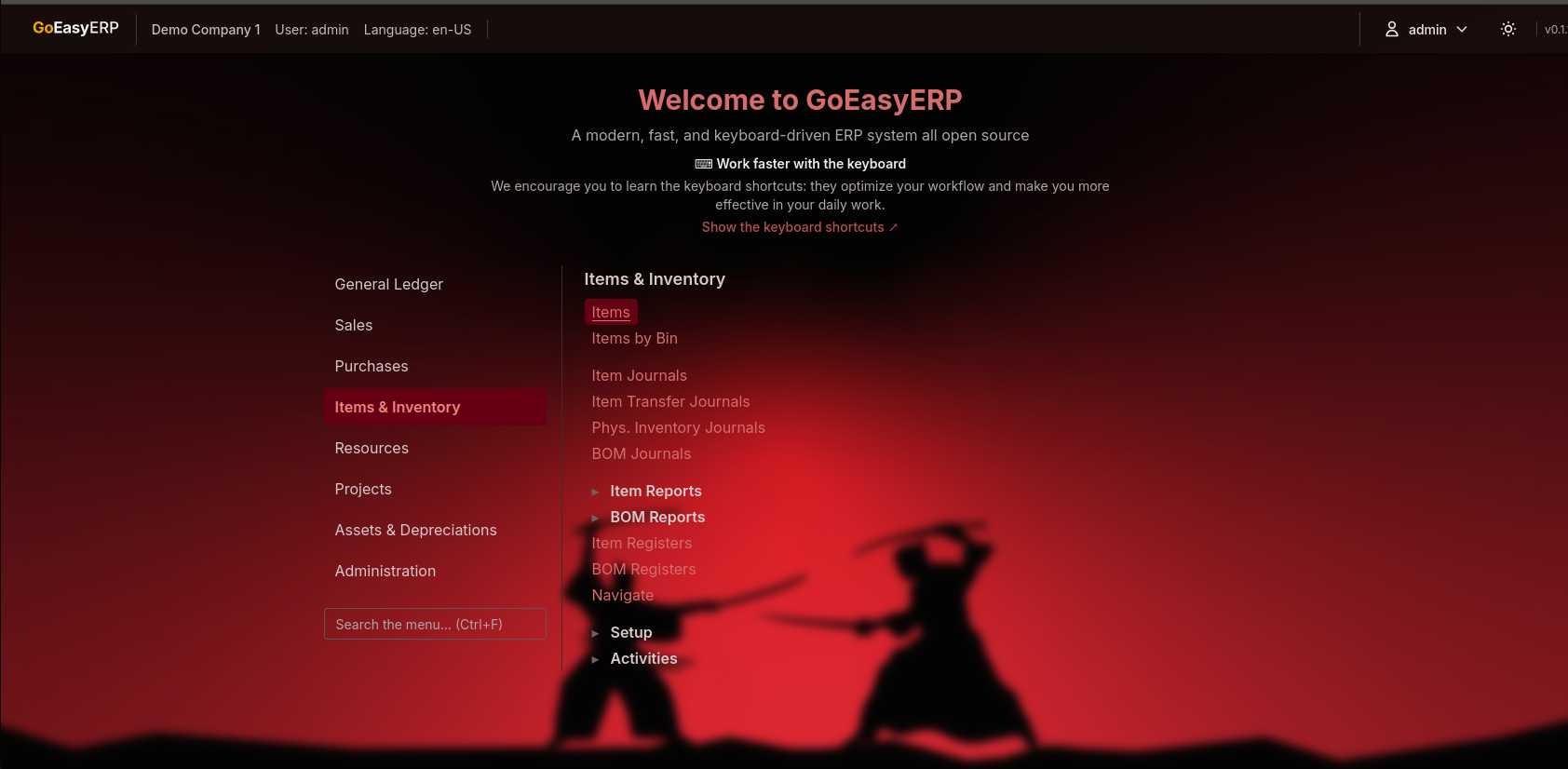
The main menu with a background image
The main menu with a background image. Click to open full size.